August 31, 2026
AI adoption doesn’t have to mean replacing the applications your organization has spent years building.
ColdFusion 2025 Update 8 introduced a substantial set of native AI capabilities that let developers bring artificial intelligence directly into existing ColdFusion applications, connecting it to the data, documents, workflows, and business rules those applications already understand.
For organizations running ColdFusion, that opens a practical path to AI adoption without starting from scratch. And it raises the question: what does native AI actually mean for your business?
Less Integration Work, More Flexibility
Before this update, adding AI to a ColdFusion application meant custom integration work for every provider you wanted to use: handling authentication, building provider-specific requests, and interpreting each one’s response format differently. That’s development time spent on integration work instead of the business problem you were actually trying to solve. And once you’d built against one provider, switching to another meant real rework or the risk of being stuck with an underperforming model.
ColdFusion 2025 provides a common framework for working with OpenAI, Anthropic, Google Gemini, Mistral, Azure OpenAI, and locally hosted Ollama models, all through the same set of tools. In practice, that means switching AI providers can become a configuration decision rather than a new development project. An organization could use a hosted model for one workload while running another model entirely inside its own infrastructure, without maintaining separate integration code for each.
ColdFusion can also require AI responses to come back in a specific, predictable format, instead of a free-form paragraph of text that a person has to interpret themselves. For example, an incoming customer request could be automatically sorted into a category, a priority level, and a short summary, with ColdFusion checking that the response matches that format before your application acts on it.
In other words, the AI gives you an answer you can actually build a process around, not just a response to read.
AI That Actually Knows Your Business
A general purpose AI model knows a lot about a lot of things, but it knows nothing about your organization: your policies, your product documentation, or the way your team actually works. At least not until you give it access.
That’s the problem ColdFusion’s new retrieval capabilities solve. AI can answer questions using your organization’s approved content, rather than relying on a general-purpose response. For example:
- Employees can ask questions about internal policies.
- Support teams can search knowledge bases by meaning, not just keywords.
- Customer portals can answer questions using product-specific documentation.
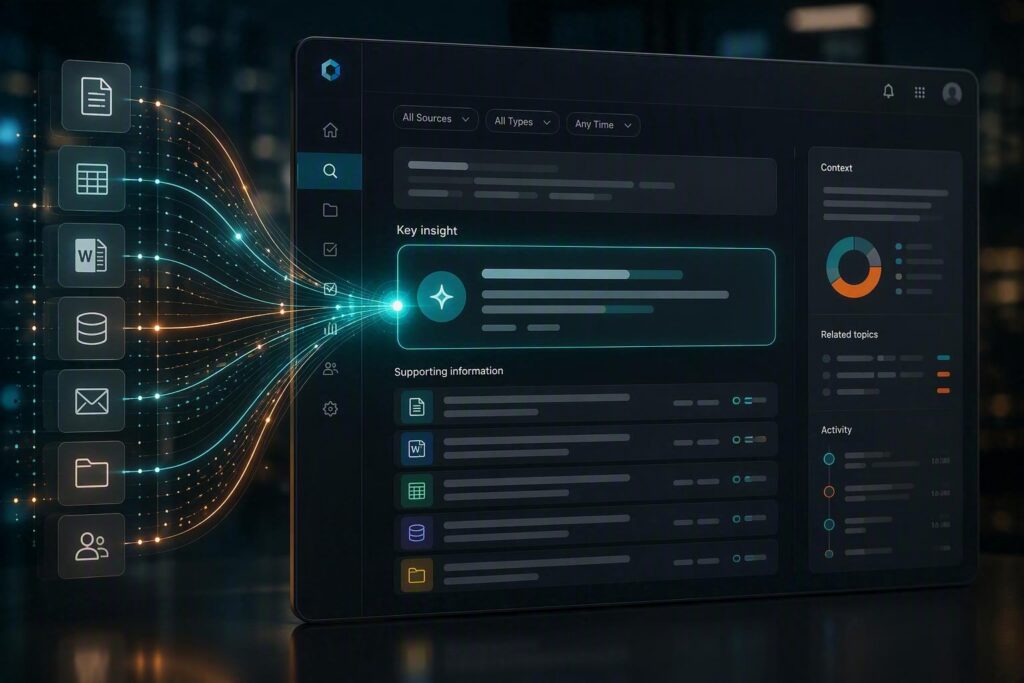
Under the hood, ColdFusion’s simpleRAG() capability handles the heavy lifting: breaking your content into useful segments, creating embeddings, and retrieving the right passages when someone asks a question.
It works with the documents you already have, from PDFs to Word files, spreadsheets, HTML, and more. As a result, there’s no need to reformat your knowledge base before it becomes useful to an AI model. ColdFusion also supports metadata filtering during retrieval, which becomes important when different customers, departments, or permission levels should have access to different content.
Letting AI Take Safe, Limited Action
Some of the more useful AI applications need more than documents: they need controlled access to things your application already does.
Imagine an internal assistant that can answer a question like “What’s the status of permit application 18472?” The AI model itself has no idea. It shouldn’t be left to guess, but it shouldn’t have open access to your systems either.
Instead, ColdFusion’s agent capabilities let the model recognize that it needs a specific, pre-approved function (for example, an existing method that looks up permit status) and only that function runs. The model doesn’t touch your database directly, and it can’t do anything your development team hasn’t explicitly allowed. The same pattern could support looking up an order, pulling account details, or handling any other narrowly defined task.
That distinction matters more than it might seem. It’s the difference between an AI with the keys to everything and an AI that can politely ask for exactly what it needs. That’s what makes this kind of feature realistic to put in front of employees and customers.
Connecting to the Broader AI Ecosystem
ColdFusion 2025 Update 8 also added support for a newer industry standard called Model Context Protocol, or MCP: a common way for AI applications and tools to discover and talk to each other, regardless of who built them.
In practical terms, this gives ColdFusion two-way flexibility. A ColdFusion application can connect out to external MCP-compatible tools and use them directly. It can also expose its own existing functionality as MCP tools, making it available to approved external AI systems.
For a business with significant functionality already built into ColdFusion, that means existing capabilities can participate in newer AI tools and workflows without being rebuilt on a separate platform.
Guardrails Built for AI in Production
Traditional software does exactly what it’s told, every time. An AI model can produce a response that sounds right but isn’t, which is exactly what ColdFusion’s guardrails are built to catch.
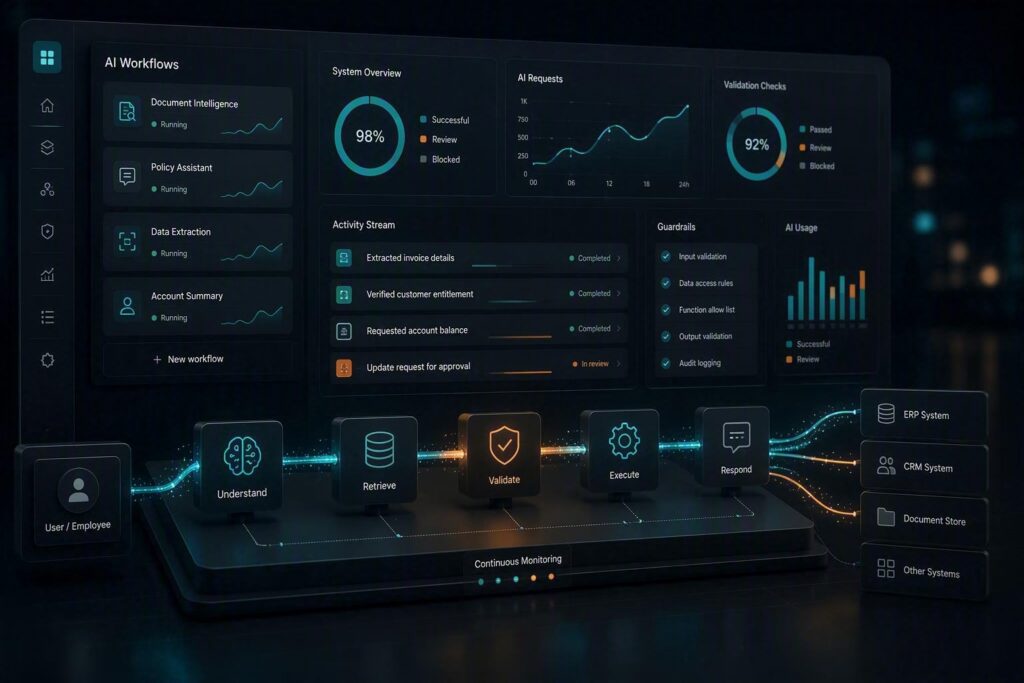
ColdFusion’s AI framework includes input and output guardrails your team can define and apply automatically, checking requests before they reach the model and checking responses before your application acts on them. Combined with schema validation for structured responses, this gives you a real safety net rather than a hope that the model behaves.
ColdFusion’s Performance Monitoring Toolset has also been expanded specifically for AI workloads. Developers and administrators can see which models are being called, how they’re being used, how long they’re taking, and what’s happening inside retrieval and agent workflows.
That visibility is critical once an AI feature moves beyond proof of concept. If your application is making thousands of model calls, you need to know what they’re costing you and where problems are actually occurring.
AVIBE Brings AI to Existing ColdFusion Applications
Many mature ColdFusion applications hold years of business logic and institutional knowledge. Replacing that just to experiment with AI simply isn’t practical. ColdFusion 2025 gives you another option: introduce AI exactly where it improves the application without rebuilding everything around it.
At AVIBE, we’ve been developing, supporting, and modernizing enterprise ColdFusion applications for decades. We have experience with the challenge many organizations face: how to modernize ColdFusion applications without disrupting the business processes they support.
As an Adobe ColdFusion Solution Partner, we understand how these applications are built and where these newer capabilities genuinely fit, as well as where they don’t. For one business, that might mean semantic search across thousands of internal documents. For another, it could mean automatically extracting structured information from requests employees currently review by hand. In other cases, the opportunity is an assistant that draws on both organizational documentation and existing application functions to answer questions posed by users.
Where Should You Start?
The best AI projects rarely start with a mandate to “add AI.” They start with existing frustration:
Why does our staff spend so much time searching for this information?
Why does someone manually review and route every one of these requests?
Why does creating this report require someone who knows exactly where every piece of information lives?
Questions like these point to where AI can create practical value instead of becoming another piece of technology for your team to manage. ColdFusion 2025 gives developers native tools for connecting AI to the applications, documents, and business logic your organization already relies on, opening a path to AI adoption for mature ColdFusion systems without starting over.
The technology is ready. The question is which problem you’ll point it at first.
Not sure where to start? Schedule a consultation with AVIBE to explore where AI can create the most value in your ColdFusion environment.
Frequently Asked Questions
Does adding AI to ColdFusion mean replacing our application?
No. ColdFusion 2025’s native AI capabilities are designed to work inside existing applications, connecting to the data and workflows you already have rather than requiring a rebuild.
What AI providers does ColdFusion 2025 support?
ColdFusion provides a common framework for OpenAI, Anthropic, Google Gemini, Mistral, Azure OpenAI, and locally hosted Ollama models, so switching providers is largely a configuration decision rather than a whole new development project.
Can AI features be added to an older ColdFusion application, or only ColdFusion 2025?
The native AI framework described here is specific to ColdFusion 2025 Update 8 and later. Older ColdFusion applications can still integrate with AI providers directly without this built-in framework, or an upgrade path can bring them onto ColdFusion 2025.
Is it safe to give an AI model access to our business data and functions?
When implemented with the right boundaries, yes. ColdFusion’s guardrails, schema validation, and tool-based access mean the model only interacts with data and functions your development team explicitly approves. It is not given unrestricted access to your systems.
Do we need to migrate off ColdFusion to use AI capabilities?
No. These capabilities are built into ColdFusion 2025 itself. Migration is a separate decision that depends on your broader application strategy, not a requirement for adding AI.
What specific AI tools does ColdFusion 2025 give developers to work with?
Developers get ChatModel() for conversational AI, simpleRAG() for retrieval-augmented generation, Agent() for tool-calling and conversation memory, and VectorStore() for a common interface across vector databases like Pinecone, Milvus, Qdrant, and Chroma.
How do development teams monitor and maintain AI features once they are live?
ColdFusion’s expanded Performance Monitoring Toolset tracks model calls, token usage, and response times, along with activity inside RAG pipelines, vector stores, and MCP connections, so teams can trace individual AI requests end to end. Conversation history can also be persisted using stores like Redis, Memcached, or EHCache.
Helpful Web Tips & Tricks
Start Your Project